
ASSET1
Book
ASSET1
Venues

Event day. Everyone on the same page.

Who stands at which post, with which role and which equipment – in one plan. Issued in the morning, fully back in the evening.

Venue BASIC from € 590 per month, no setup fee.

30 minutes: We'll show you your event day in ASSET1.

Book an intro call

After that, we set up your test environment with your data – free for 30 days.

Prefer to ask a question first? office@sofa1.at · +43 676 545 22 11

ASSET1 tablet app ASSET1 mobile app

Sound familiar from event day?

?

A radio is missing after the race weekend. Who had it last?

?

A post at the stadium gate has been reassigned. Does the issue desk already know who gets which radio and which safety vest?

?

Did this morning's change really reach every post?

How it works in ASSET1

Venue Operations brings event day into one plan: from the post list to the return in the evening.

1

Set up posts and areas

Your site, organized the way it is on event day.

From track sector to stadium gate: you map areas and posts. We take over your existing post list – Excel is fine.

Areas and posts on site
2

Assign roles and people to each post

Who stands where, and in which role.

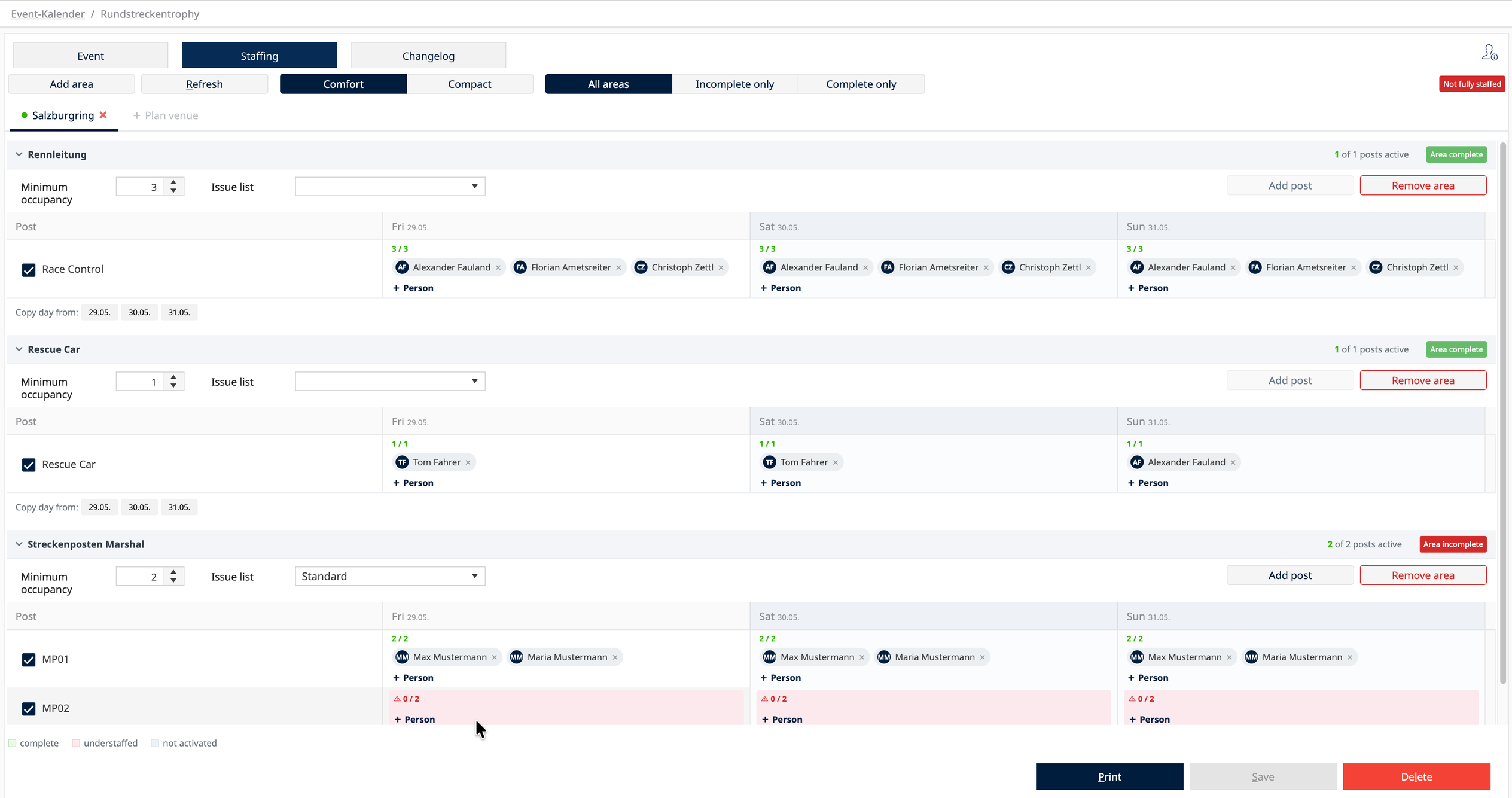
For each post you define the roles needed and assign the people. When something changes, everyone sees the same status.

ASSET1 event calendar, staff planning: areas, posts and daily assignment with completeness status
3

Define equipment per post, check readiness

Before the day starts, you know whether everything is there.

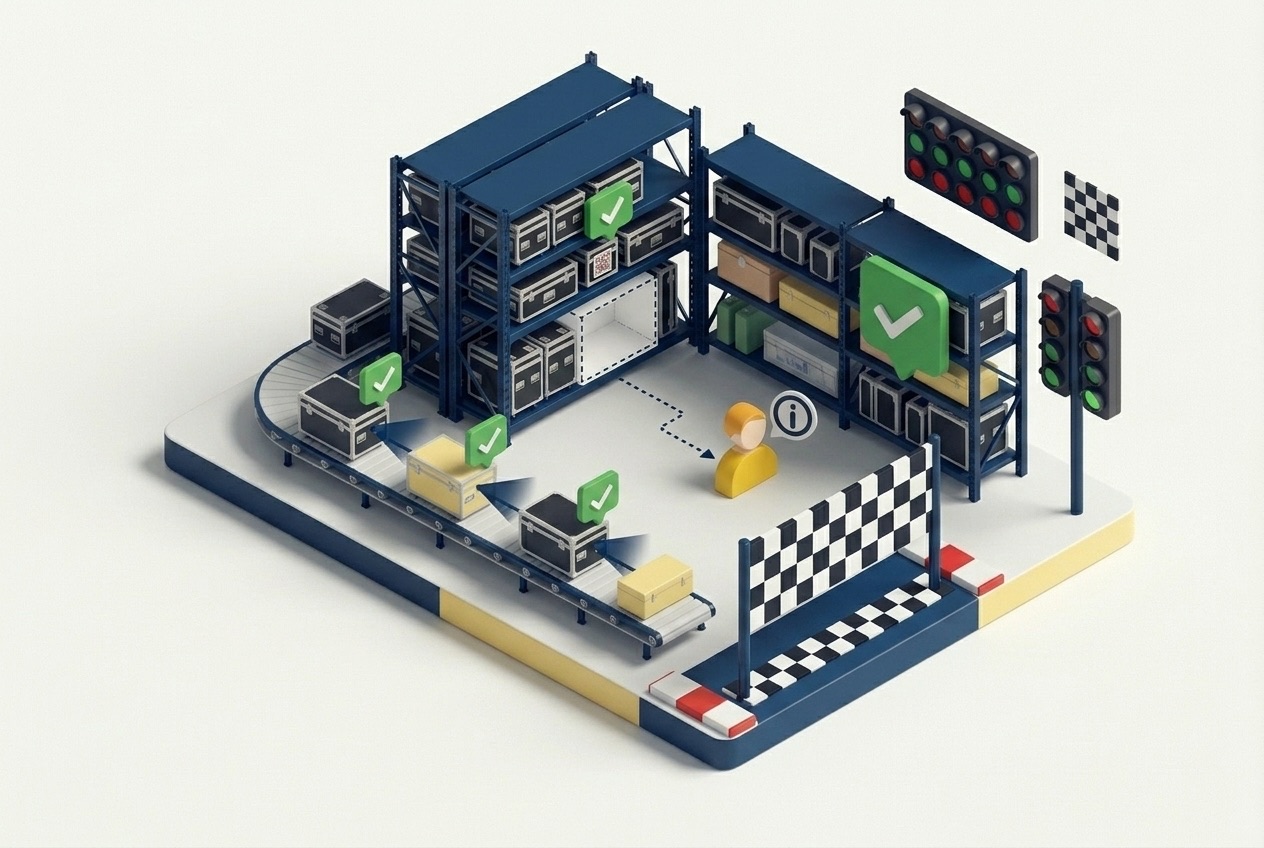
Radio, safety vest, headset: each post has its required equipment defined, so you can check operational readiness before things start.

Preparation per area: equipment and readiness
4

Issue in the morning

By issue list, with scanning if you like.

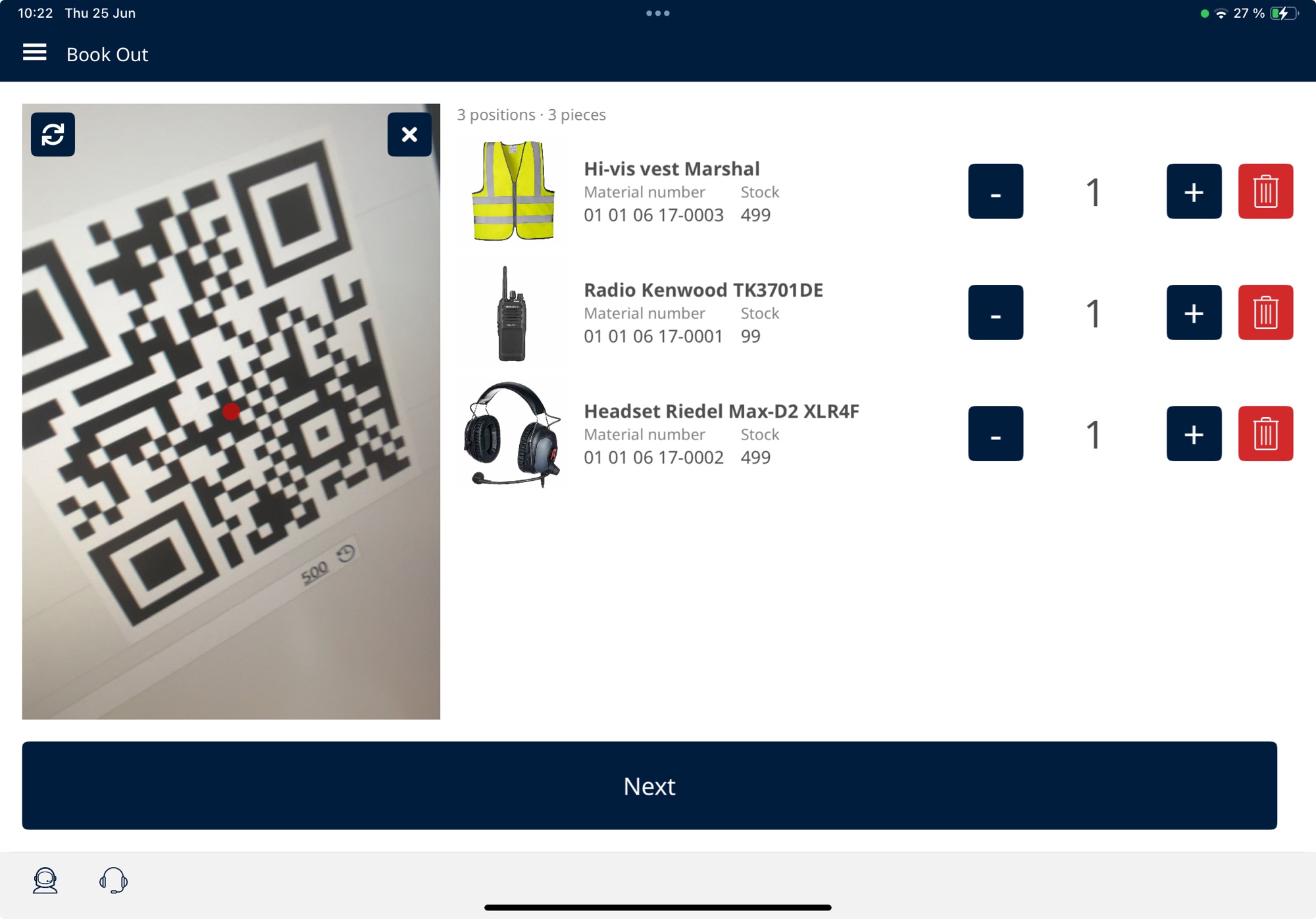
Area-based issue lists show who gets what. You record the handover on a mobile device right where it happens.

Mobile issue of a marshal post box
5

Return in the evening

What's missing, what's defective, who had it.

During return you see what is still open and who it was assigned to. You record damage directly with a photo.

Return after the event with open items per person

Maintenance and inspection dates

All from Venue BASIC.

Inspection and maintenance dates with reminders

Dates right on the asset, and ASSET1 reminds you in time.

Recurring maintenance tasks

In the task list, for example "inspect every 6 months".

Damage reports with photo

Recorded where the damage is noticed.

What Our Customers Say

Anonymised for confidentiality reasons

For years we relied on Excel spreadsheets that were almost never up to date. With ASSET1, we document changes in seconds - and the entire team is always in the loop.

OL

Operations Lead

Venue Operator

Our guardrails, track vehicles, and safety equipment need regular inspections. ASSET1 automatically reminds us of every deadline - so no inspection slips through the cracks.

FM

Facility Manager

Venue Operator

Orders used to come in via email or WhatsApp - and someone had to manually enter everything into the system. Now every order is captured completely, everyone sees the processing status in real-time, and notifications run automatically.

HA

Head of Administration

Venue Operator

Where you start, and what it costs

A Support Key User is a contact person in your own organization, trained by SOFA 1, with a direct line to SOFA 1 through the ticket system.

Recommended

ASSET1

Venue PRO

Event day and material logistics together: PRO plus Venue Operations by size.

from € 1,440 / month

Size S · M € 1,740 · Enterprise venue from € 2,190 / month

Setup
€ 3,100 PRO setup
First-year cost
€ 20,380 (S) · € 23,980 (M)
  • Everything in Venue BASIC
  • Material Shop for departments
  • Advanced reservations, for example for guest organizers
  • Task board and change log
  • Also for Enterprise venues
Recommended

ASSET1

Venue ENTERPRISE

Multiple venues, integrations and enterprise SLA.

from € 4,280 / month

incl. the 2 required Support Key Users, plus Venue Operations per venue by size

Setup
by scope
First-year cost
individual
  • Everything in Venue PRO
  • Multiple venues and organizations
  • Integrations
  • Enterprise SLA

The size is set per venue by the approved spectator capacity per event day as stated in your event permit: S up to 20,000, M up to 60,000, Enterprise venue above 60,000. Without a spectator permit, for example on test or training grounds, S applies. Multiple venues pay per venue.

Growth: material logistics as the next step

Once event day is running, material logistics comes next, without changing systems. It is part of Venue PRO.

+

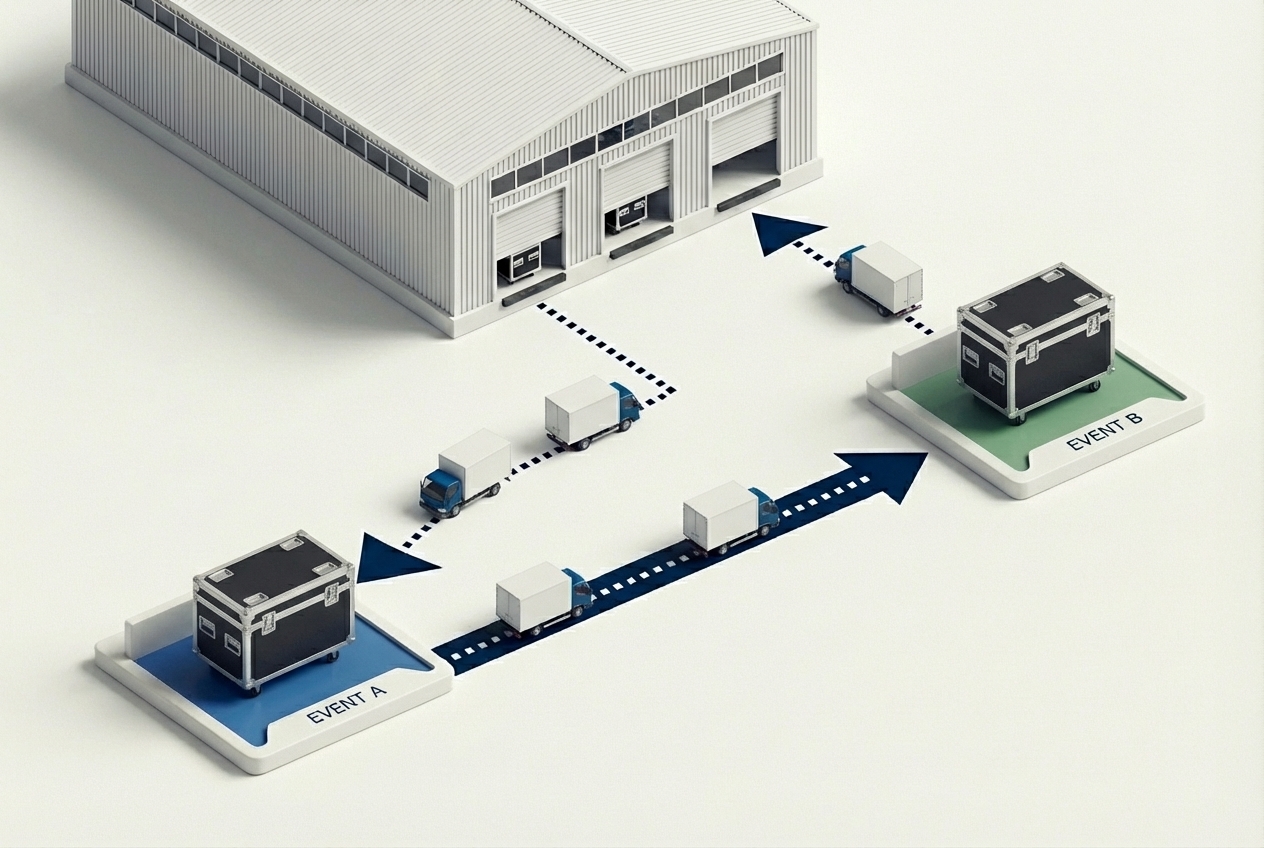
Equipment for guest organizers

Your equipment, your site, other users.

An organizer uses your grandstands, barriers or technology. In ASSET1 this works like any other issue, also in partial quantities from event to event. Who used what and for how long goes to your accounting as a report.

Equipment for guest organizers
+

Material Shop for departmentsfrom PRO

Departments order for themselves.

Each department sees only the items and stock it is authorized for and orders on its own. Approval is optional.

Internal Material Shop
+

Crew wear

The right outfit in the right size.

Fixed packages per department, with the handover confirmed by digital signature.

Crew wear

Task boardfrom PRO

With team filters and additional statuses such as "packing list still to be picked".

Detailed change logfrom PRO

Who changed what and when.

Material distribution on site

See which equipment is where, from the fan village to the main grandstand.

Cost centers

Record which department used which quantities and assets.

See your event day in ASSET1.

30 minutes: We'll show you your event day in ASSET1.

Book an intro call

After that, we set up your test environment with your data – free for 30 days.

Prefer to ask a question first? office@sofa1.at · +43 676 545 22 11