
As easy as the self-checkout at the supermarket.
With the ASSET1 IO app on tablet or smartphone, authorized people check assets in, out and back themselves - no warehouse staff needed, no paper. Orders, packing lists and audit trail are created automatically in the background.
Book a demo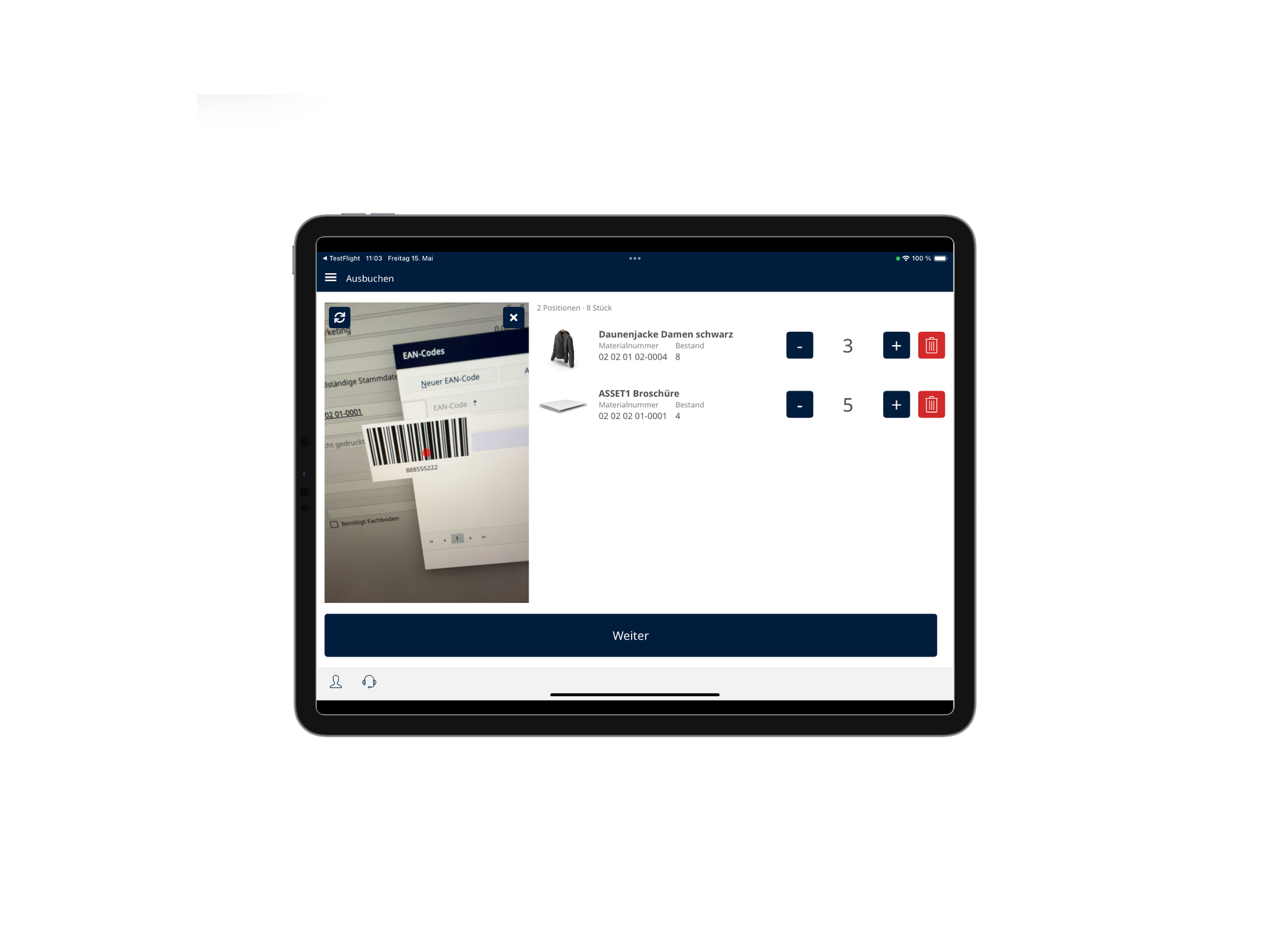
One device, three actions. Authorized people pick what they need on a tablet or smartphone, scan their way through - the system takes care of the rest.
Scan, done.
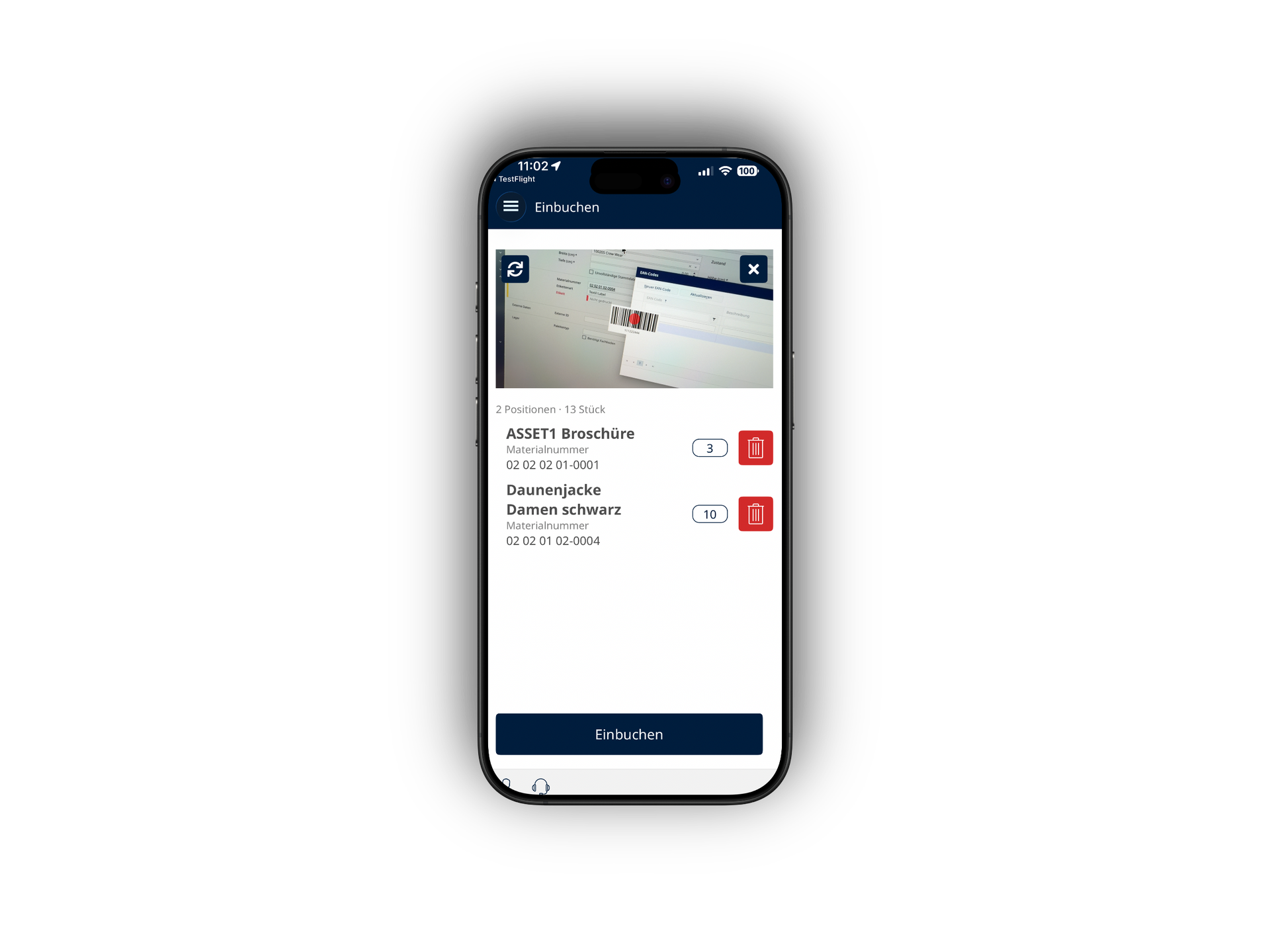
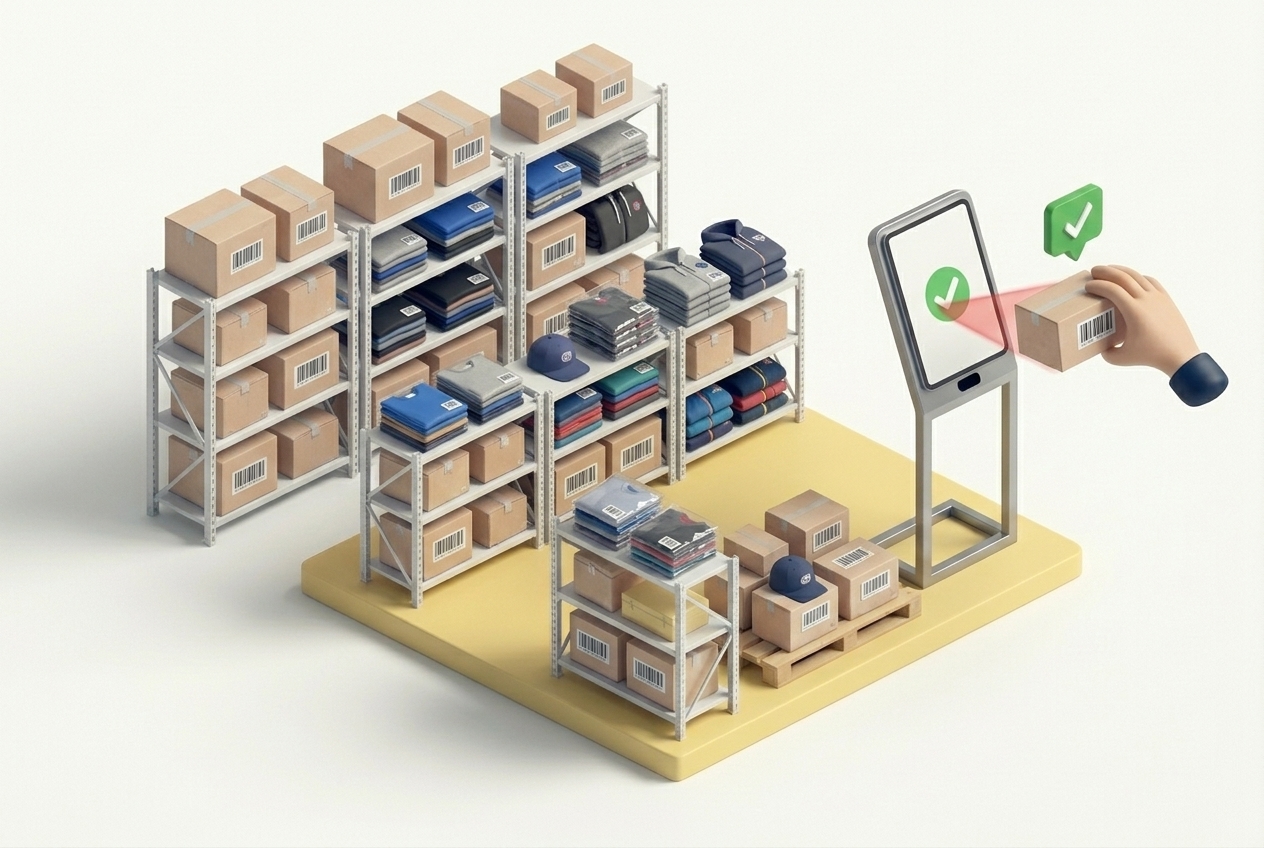
Authorized person scans assets one by one via QR or EAN. Booking, storage location and inventory update happen in the background - no receipt, no form to fill in.
Assets go out - with a recipient.
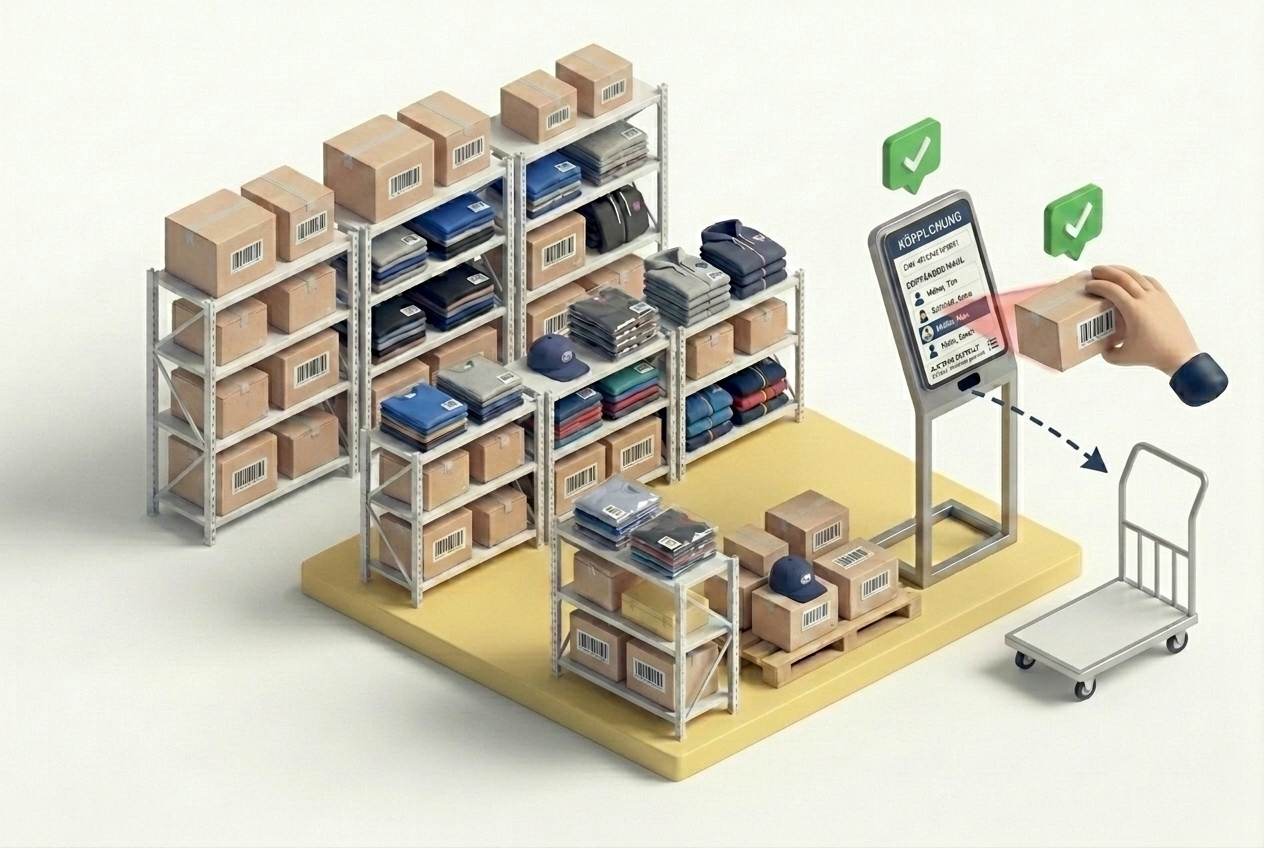
Scan assets, pick a contact, done. ASSET1 automatically creates an order with packing list and recipient. So later it's always clear: who took what, when.
Scan accreditation, pick up gear.
A marshal scans their accreditation code - ASSET1 recognises the person, their role and assignment, and loads the pre-defined issuing list (e.g. radio + safety vest). The person scans the assets, done. Return works the same: scan the code, the loan is closed.
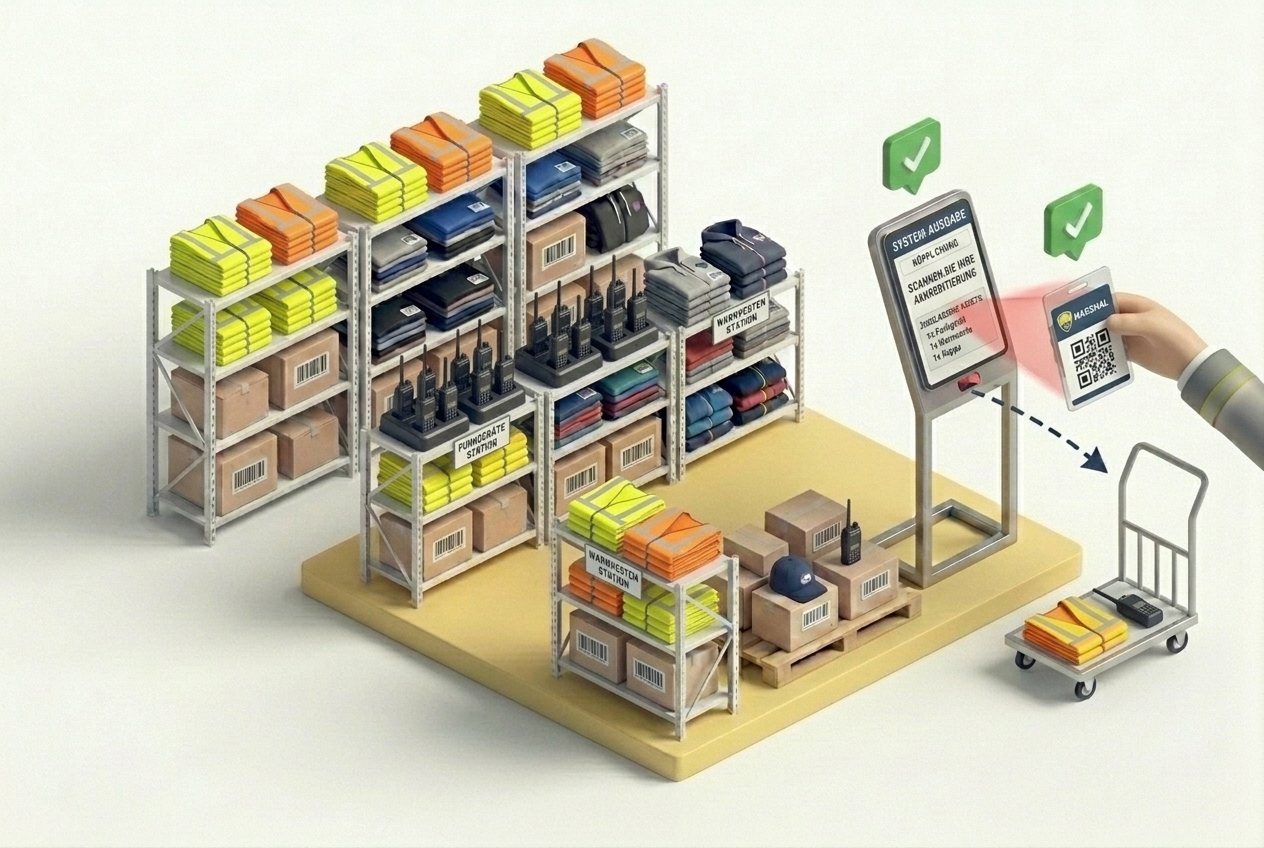
Scan with either the front or back camera of the device - depending on where the person stands and how the tablet or smartphone is positioned.
The device signs the person out automatically after a short idle period - the next action starts a fresh, clean session.
Sign in either with an accreditation badge or the classic user/password combination - whichever fits the context and permission level.
Three steps to a self-service workflow.
Open ASSET1 IO on a tablet or smartphone - the location (e.g. warehouse entrance or issuing counter) is preconfigured.
Choose check-in, check-out, issuing or return - or simply scan an accreditation code.
ASSET1 creates the order, packing list, booking and audit trail automatically in the background.
Where should the IO station live? What issuing lists do you need? Who's allowed to scan? In a short conversation we figure out how ASSET1 IO can work for you. No commitment, no sales pressure.
Contact us