
ASSET1 View-Box - compact, HDMI-plug, ready to go.
The ASSET1 View-Box plugs into any screen in the warehouse, workshop or office and shows picking lines, tasks, any ASSET1 view, web content or videos live - no PC, no setup.
Book a demoPlug the View-Box into an existing TV and decide yourself what runs on it. Each box can be configured individually - from a single line to an entire video wall.
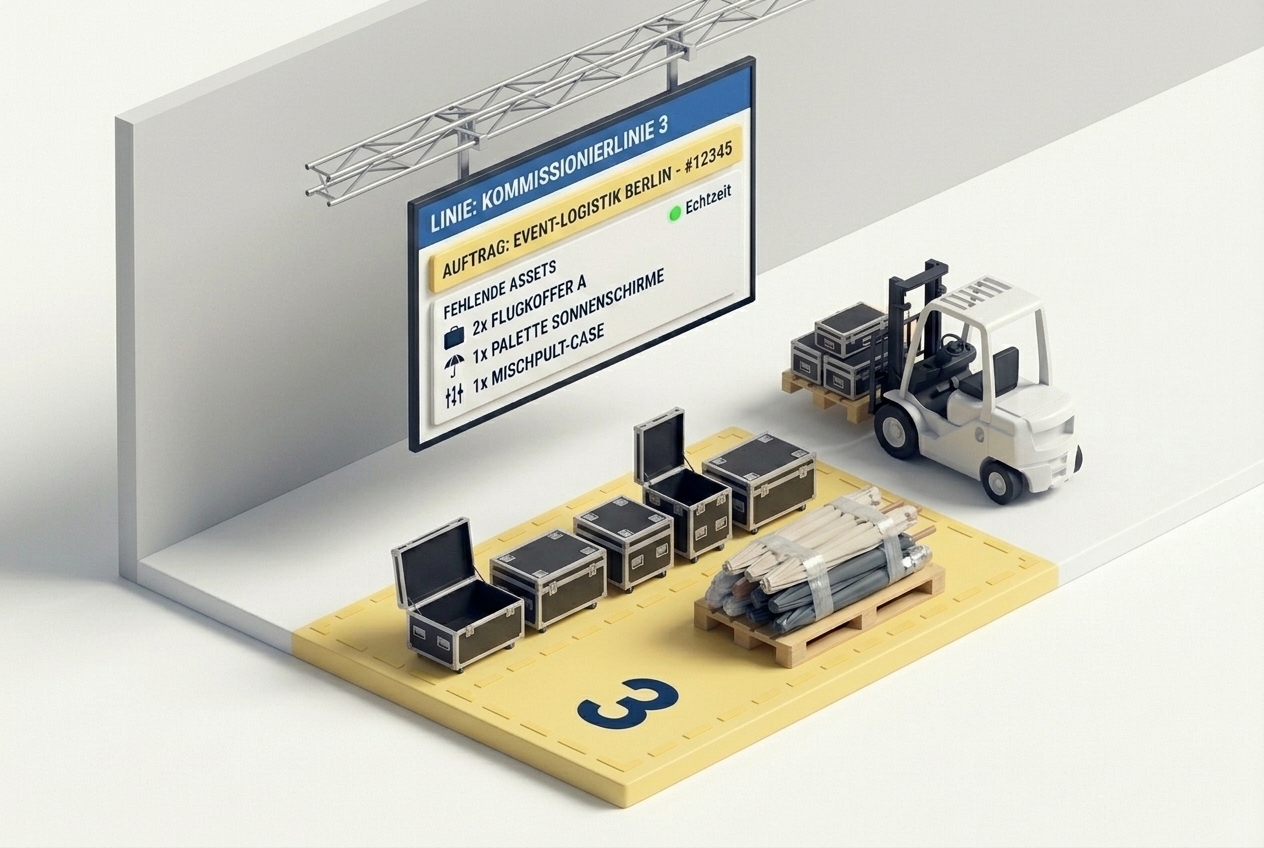
Picking in plain view - for everyone.
One display with a View-Box is installed per picking line or area. Fully integrated view from ASSET1: linked order and remaining assets in real time - or a block notice if the line is currently not in use or needs to be kept free.
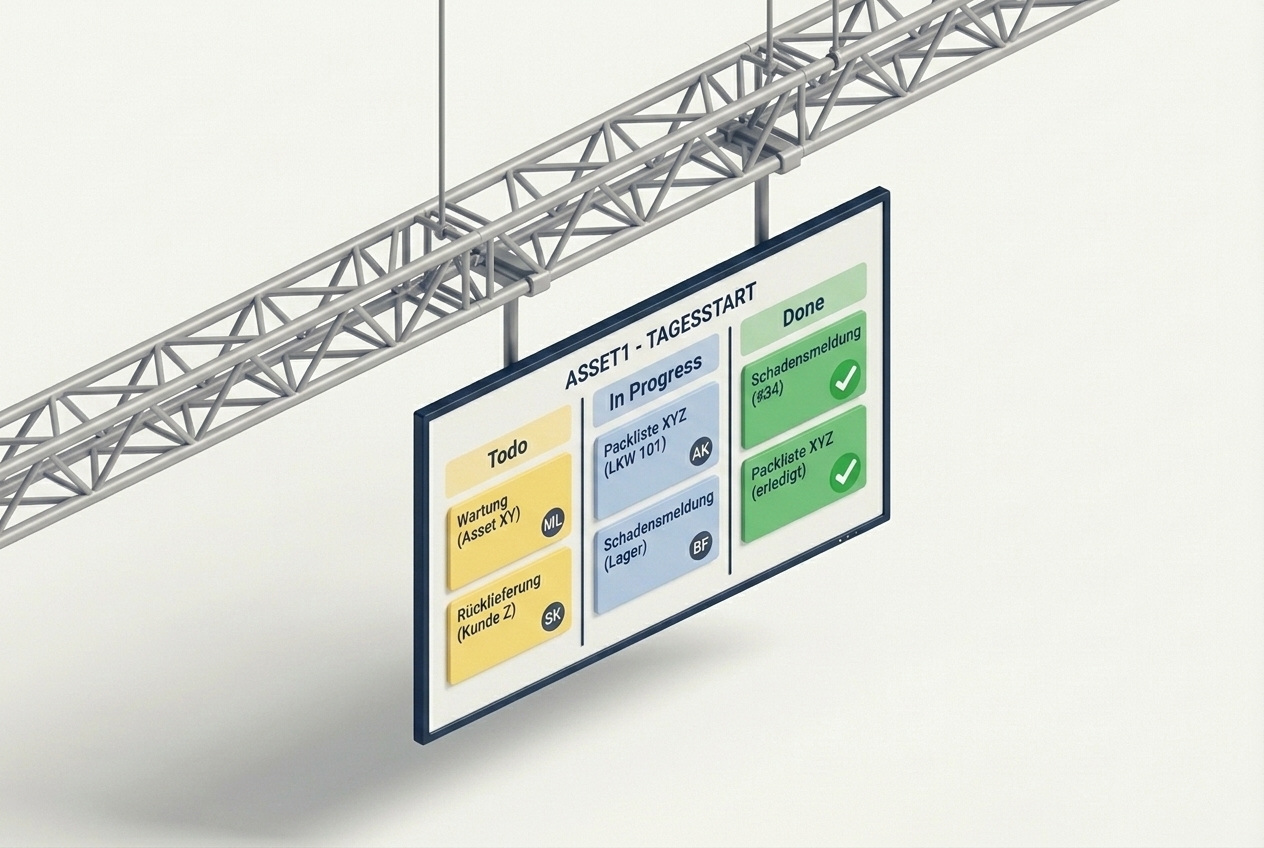
Stand-up right in front of the screen.
The ASSET1 task board runs permanently on the TV - showing open tasks, ownership and priorities. Changes to tasks appear live on the display automatically. Ideal for the daily stand-up: gather the team in front of the screen, run through it, get going. No projector, no laptop, no "who's got the cable?".
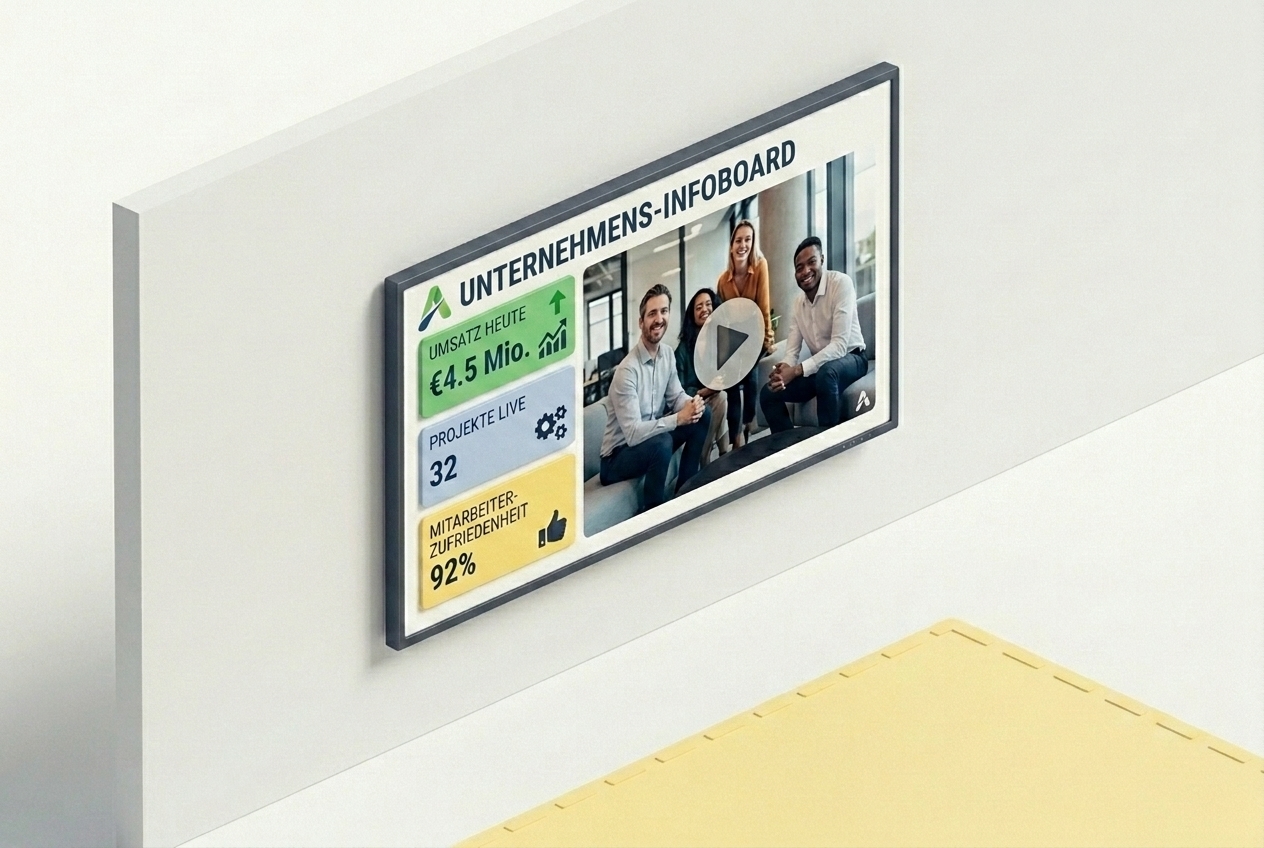
Anything with a URL - live on the TV.
KPI dashboards, external reporting, BI tools, lobby screens, brand videos or your own web apps: provide a URL or a video and the View-Box displays the content with auto-refresh. That way screens can be put to good use far beyond the ASSET1 world.
Three steps from HDMI plug to live dashboard.
Connect the box to the HDMI port of an existing TV and join your network via Wi-Fi or LAN.
Pick in ASSET1 what should run on which screen - picking line, task board or any URL.
The View-Box updates itself live. Multiple boxes are managed centrally from the ASSET1 portal.
How many lines? What content? Which rooms? In a short conversation we figure out how the View-Box can be put to work for you. No commitment, no sales pressure.
Contact us